Why indoor phone photos blur and what to change
A better position by the light can do more for a moving subject than tapping the zoom button.
A child turns toward a window as a phone camera takes the picture. The chair behind them looks crisp and the face looks soft. The chair stayed still while the exposure was recorded. The face moved. Indoor blur comes from several different failures, and the pattern in the photo often tells you which one you can fix. A straight diagonal smear across the frame points toward a moving phone. A soft face surrounded by sharp furniture points toward subject movement or a misplaced focus point. A sharp nose and faded eye in a close portrait may be a matter of focus distance.
Give the face a better patch of light
Try moving the subject toward indirect daylight. Put their face at an angle to the window so it still has some shape. You can keep an indoor light if it is useful, but turn it off for one comparison if it gives skin an odd color. Rotate yourself to keep a bright window or bare lamp from occupying a large part of the background. Your phone may expose different parts of the frame more evenly than an older camera, yet bright patches can still distract and make it hard for a small face to look natural in the image.
Be prepared before the moment. A phone held with two hands is easier to steady, and leaning against a doorframe is less intrusive than arranging a tripod in a busy room. Wipe the lens with a clean cloth if bright lamps fan out into hazy circles. Inspect the image at the scale you plan to use. A slight blur noticed on a laptop at one hundred percent magnification may be invisible in a family message, while a very small face may need more compositional attention than additional sharpening.
Pick a lens before you pick a distance
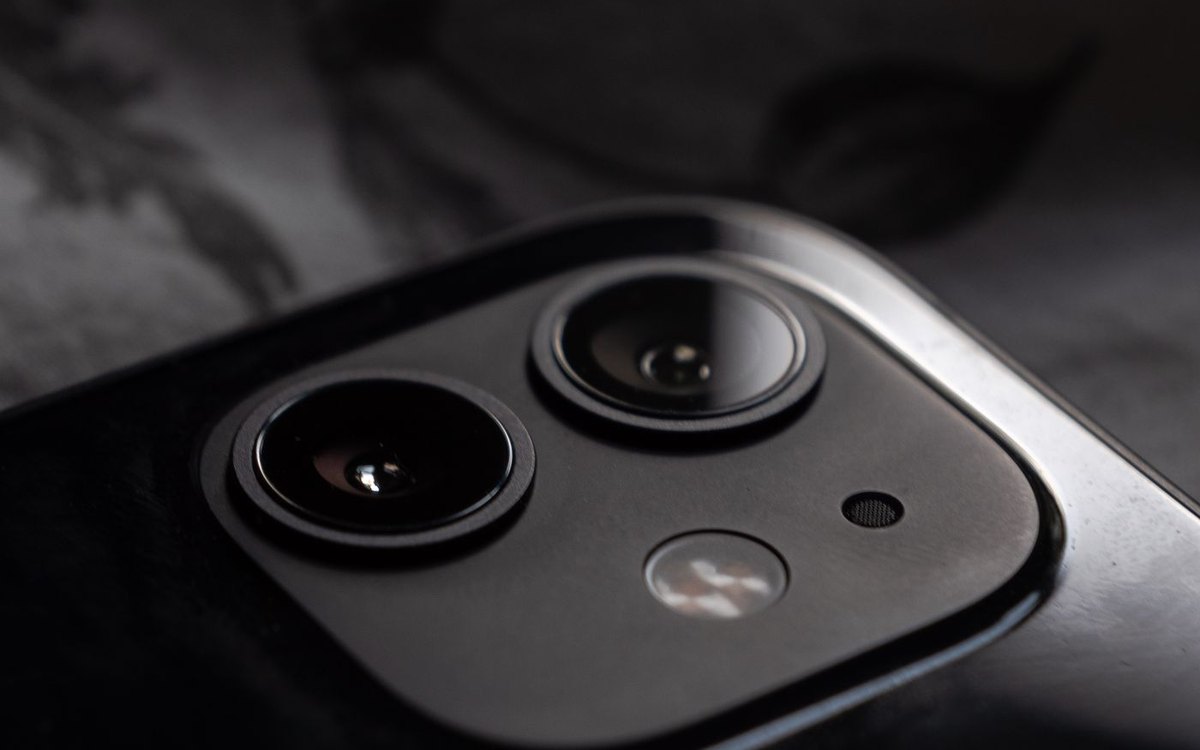
Some phone camera modules perform better than others indoors. Test your own, because the phone can switch modules depending on the available light and focus distance. Step closer and take an ordinary photo with the main camera, then compare that image with a shot using your usual zoom setting from the original position. Compare the eye detail and how the person fits the scene. Moving too close can exaggerate facial features, so leave a little breathing room for portraits. That is a camera position decision rather than a promise that one zoom number always wins.
A multiframe low-light mode can produce a lovely photograph of a room that stays still. If a person is moving, the camera may have several slightly different versions of their face to combine. You can see ghosting around hands and hair in the result. Use the ordinary photo mode when subjects are lively and run the comparison while you can still repeat the scene. On a camera that offers manual control, a quicker shutter is one possible trade for a noisier image. Try a small sequence and inspect the expressions, as a sharp picture at the wrong instant still misses the occasion.
Watch what the camera decided
An exposure has to fit the amount of light in front of the lens and the time available to record it. In a dim room the phone can gather more light by using a longer exposure, amplify the signal, or combine information collected at several different moments. A longer exposure is one reason a turning head looks smeared. Greater amplification can make an image look noisy, which in turn gives software a reason to smooth fine detail. Multiple frames bring their own challenge when objects change position. The camera's decisions make more sense when you see the limits it was trying to balance.
Open the photo information if the app shows it and check the shutter time, lens and ISO setting. Use the figures as clues. If two shots of the same person have very different shutter times and the shorter one kept their fingertips clear, you have a comparison from the actual room. An image can still look soft after a short exposure if the phone focused on a much nearer object or if an app saved a heavily reduced copy. Return to the full original image before studying individual pixels.
Try the same comparison after the event using a safe, repeatable subject, such as someone casually moving a hand past paper with text. Take several exposures with the same grip and framing and compare the printed text with the moving hand. If the text stays clear and the hand smears, your grip is doing its job and your next change should concern the subject or camera setting. If the text and wall also smear in the same direction, lean on a solid surface and see whether the next set improves.
Handle the focus point and the movement separately
A camera may recognize a face and place focus there. In a group, the highlighted face may belong to someone you are less interested in. Watch the focus indication briefly as you compose. When you have time, tap the important face and take the picture soon afterward. Your camera app may have controls to hold focus or exposure at a chosen distance. A fixed focus distance can work when people cross a predictable place, such as stepping toward the same table. Let the camera adjust again if your subject walks directly toward it.
There is a difference between framing an activity and framing the instant at which it is clear. Someone giving a demonstration often pauses near the end of an explanation or holds an object still for a beat. Anticipating that pause can give you a sharper photograph and a more informative one. If your device offers a burst mode, practice reaching it before the event and see how it stores the extra frames. Select a frame on expression and gesture first. The sharpest frame in a sequence has little value if it loses the reason you raised the phone.
Try setting up a scene with two people at roughly the same distance from the camera. In a tight photograph, a person already a comfortable distance away can remain sharp while someone who leans right into the lens falls out of focus. Stepping back may fit both faces and reduce the degree to which small movement shifts the composition. If space is limited, ask one person to move beside the other. Position changes take seconds and can reduce the need to crop a disappointing image afterward.
Work with mixed color and unpredictable lamps
A room can contain greenish overhead lighting, warm bulbs and cool light through a window. Auto white balance may settle on one part of the room and leave another noticeably colored. For a face, try to let one broad, stable source dominate. Move the subject a little closer to it or rotate your position to keep the colored light off the key part of the image. If the phone camera lets you lock a white balance, try it after the new position is set so the color does not change with every small movement. Keep a white object or a known fabric color in one test frame if you want a reference in editing.
Some lamps visibly flicker through the electronic capture process, producing bands or brightness changes between shots. A few test frames aimed at an evenly lit wall can make the effect easier to distinguish from subject blur. If the light varies and you have access to an alternative, try that source. On an application with manual controls, changing shutter timing may help, though the useful setting depends on the lamp and the region's electrical system. Check the whole image after changing any setting. A clean band-free background still leaves the problem of a moving face.
Pick settings that survive the handoff
A full-resolution image can look crisp on your device and rough in a group message if the app sends a compressed version. Send one innocuous sample to yourself or someone who can tell you how it arrived. Save a full-size original separately for prints or a family archive. If the intended photo is a small picture in a message, choose one with a clear subject and keep the face reasonably large. If it will become a print, use the original and zoom only enough to see whether motion affects the areas that matter.
At the end of an evening, leave yourself a small set of different-looking frames. A wide picture can preserve who was there and where you met. A close one can keep the expression that makes the evening memorable. A phone may treat those two compositions very differently, even seconds apart. Review one or two frames during a quiet moment, then put the phone down once you are satisfied. You are working around a set of physical limits, and most of the useful changes happen while you still have the room in front of you.
Choose a result before editing
In the finished image, decide whether you want the room to feel warm or the shirt to look precisely white. Heavy saturation and smoothing tend to make a dim face look painted. Adjust the exposure on an unedited copy in small increments and inspect shadows and highlights before saving the export. When the person has moved through most of the image, it is usually worth choosing another frame instead of pushing the sharpening slider. The best habit is to spot the problem while the light and subject are still there.